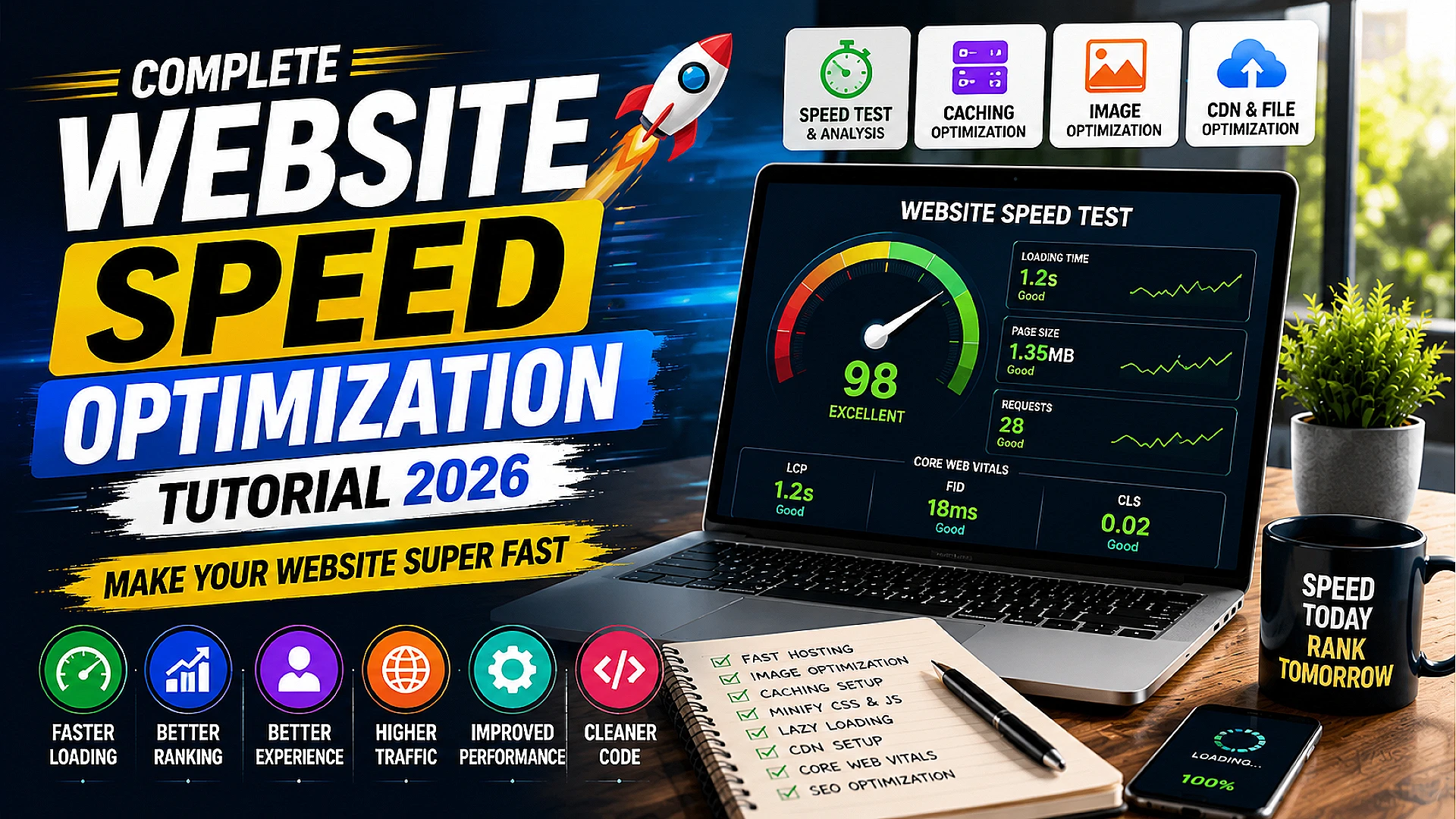
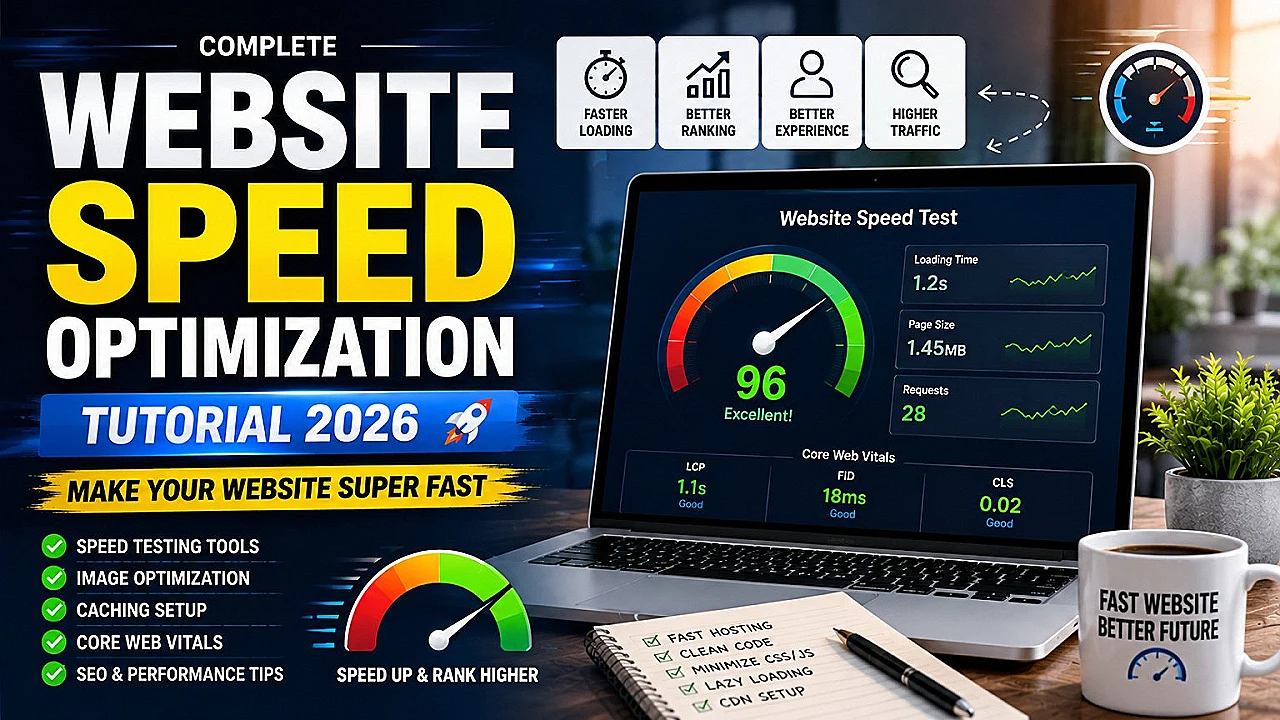
Website Speed Optimization Tutorial – Improve Website Loading Speed in 2026
Website speed has become one of the most important ranking factors in 2026. A slow website can reduce traffic, decrease user engagement, lower search engine rankings, and negatively impact online earnings. Whether you run a blog, education website, business website, or online store, website speed optimization is essential for success.
Users expect websites to load within a few seconds. If your website is slow, visitors may leave before even reading your content. Search engines like Google also prioritize fast-loading websites because they provide better user experience.
In this complete beginner-friendly tutorial, you will learn how to optimize your website speed step-by-step, improve Core Web Vitals, compress images, reduce loading time, optimize hosting, and create a fast-performing website in 2026.
Why Website Speed Matters
Website speed directly affects:
- User experience
- Search engine rankings
- Bounce rate
- Page views
- Ad revenue
- Conversions
- Mobile usability
A fast website keeps users engaged and encourages them to visit more pages.
What is Website Speed Optimization?
Website speed optimization means improving the performance and loading time of a website using different techniques such as image compression, caching, code optimization, CDN integration, and server improvements.
The goal is to make the website load quickly on both desktop and mobile devices.
How Fast Should a Website Be?
Ideally:
- Page load time should be under 3 seconds
- Largest Contentful Paint (LCP) should be below 2.5 seconds
- First Input Delay (FID) should be low
- Cumulative Layout Shift (CLS) should remain stable
Fast-loading websites generally perform better in Google search results.
Common Reasons for Slow Websites
- Large image sizes
- Cheap hosting
- Too many plugins
- Unoptimized CSS and JavaScript
- No caching
- Heavy themes
- Slow server response time
- Too many ads
Understanding these issues is the first step toward optimization.
Step 1: Choose Fast Hosting
Your hosting provider plays a major role in website speed.
Features of Good Hosting
- SSD storage
- Good uptime
- Fast server response
- Latest PHP versions
- HTTP/2 or HTTP/3 support
- Free SSL certificate
- CDN compatibility
Even the best optimization techniques cannot fully fix slow hosting.
Step 2: Optimize Images
Images are one of the biggest reasons websites become slow.
Best Image Optimization Tips
- Use WebP format
- Compress images before upload
- Use correct image dimensions
- Lazy load images
- Avoid extremely large files
Recommended Image Sizes
- Thumbnail: 1280×720px
- Featured Image: 1920×1080px
- Icons: small optimized PNG or SVG
WebP images reduce file size significantly while maintaining quality.
Step 3: Enable Browser Caching
Caching stores website files temporarily in the user's browser.
When visitors return to your website, the browser loads cached files instead of downloading everything again.
Benefits of Caching
- Faster loading
- Reduced server load
- Better user experience
- Lower bandwidth usage
Step 4: Minify CSS and JavaScript
CSS and JavaScript files often contain unnecessary spaces, comments, and unused code.
Minification removes extra characters and reduces file size.
Benefits
- Smaller file sizes
- Faster loading
- Improved Core Web Vitals
Many optimization plugins can automatically minify CSS and JavaScript files.
Step 5: Use a Lightweight Theme
Heavy themes with too many animations and features can slow down websites.
Characteristics of Fast Themes
- Clean code
- Responsive design
- Minimal scripts
- SEO optimized
- Fast loading
A simple and optimized theme performs better than overloaded designs.
Step 6: Reduce Plugin Usage
Too many plugins increase server load and website complexity.
Plugin Optimization Tips
- Delete unused plugins
- Use multifunction plugins
- Avoid poorly coded plugins
- Regularly update plugins
Only install plugins that are genuinely necessary.
Step 7: Use a Content Delivery Network (CDN)
A CDN stores copies of your website files across multiple global servers.
Visitors receive data from the nearest server location, improving loading speed.
Benefits of CDN
- Faster global performance
- Reduced server load
- Improved security
- Better uptime
Step 8: Optimize Database
Over time, databases collect unnecessary data such as spam comments, revisions, and temporary files.
Database Optimization Helps:
- Improve server response time
- Reduce database size
- Increase backend performance
Regular cleanup keeps websites healthy and efficient.
Step 9: Enable Lazy Loading
Lazy loading delays image and video loading until users scroll near them.
This reduces initial page size and improves loading speed.
Benefits
- Faster initial load
- Lower bandwidth usage
- Improved mobile performance
Step 10: Optimize Fonts
Custom fonts can slow websites if not optimized properly.
Font Optimization Tips
- Use limited font families
- Use modern font formats
- Avoid unnecessary font weights
- Preload important fonts
Step 11: Improve Core Web Vitals
Core Web Vitals are important Google performance metrics.
Main Core Web Vitals
- LCP – Largest Contentful Paint
- FID – First Input Delay
- CLS – Cumulative Layout Shift
Improving these metrics helps SEO and user experience.
Step 12: Optimize Mobile Performance
Most users browse websites on mobile devices.
Mobile Optimization Tips
- Responsive design
- Compressed images
- Fast mobile menus
- Touch-friendly buttons
- Minimal popups
Google primarily uses mobile-first indexing, so mobile speed is extremely important.
Step 13: Reduce HTTP Requests
Every CSS file, image, script, and font creates an HTTP request.
Too many requests increase loading time.
Ways to Reduce Requests
- Combine CSS files
- Reduce external scripts
- Limit font usage
- Remove unnecessary widgets
Step 14: Compress Website Files
GZIP and Brotli compression reduce file sizes before they are sent to users.
Benefits
- Smaller file transfer size
- Faster loading speed
- Improved bandwidth efficiency
Step 15: Keep Everything Updated
Always update:
- WordPress core
- Themes
- Plugins
- PHP version
Updates often include performance improvements and security fixes.
Best Practices for Fast Websites
- Use clean design
- Avoid excessive animations
- Compress media files
- Use quality hosting
- Limit third-party scripts
- Optimize ads placement
- Monitor website regularly
How Website Speed Helps SEO
Fast websites improve:
- Google rankings
- User engagement
- Session duration
- Page indexing
- AdSense performance
Search engines prefer websites that deliver smooth user experiences.
Common Website Speed Mistakes
- Uploading uncompressed images
- Using too many plugins
- Ignoring caching
- Heavy advertisements
- Using pirated themes
- Not optimizing mobile design
Free Tools to Test Website Speed
- Google PageSpeed Insights
- GTmetrix
- Pingdom Tools
- Lighthouse
These tools help identify speed problems and provide optimization suggestions.
Future of Website Optimization
In 2026 and beyond, website performance will become even more important because:
- Mobile usage continues growing
- Users expect instant loading
- Google prioritizes performance
- AI-powered search focuses on user experience
Fast websites will always have a competitive advantage.
Related Guide: Refer and Earn Se Paise Kaise Kamaye
Also Read: Affiliate Marketing Se Online Income Kaise Kare
Conclusion
Website speed optimization is no longer optional in 2026. A fast-loading website improves SEO rankings, user satisfaction, traffic, and revenue.
By optimizing images, enabling caching, choosing fast hosting, minimizing scripts, and improving Core Web Vitals, you can significantly improve your website performance.
Focus on both desktop and mobile optimization, regularly monitor your website speed, and continuously improve user experience for long-term success.
Frequently Asked Questions (FAQ)
1. What is a good website loading speed?
Ideally, websites should load within 2–3 seconds for the best user experience.
2. Does website speed affect SEO?
Yes, website speed is an important Google ranking factor and affects search performance.
3. Which image format is best for websites?
WebP is one of the best formats because it provides high quality with smaller file size.
4. Can free hosting slow down websites?
Yes, low-quality or overloaded free hosting often reduces website performance.
5. What is the easiest way to improve website speed?
Compress images, enable caching, use fast hosting, and reduce unnecessary plugins.
Daily earning, tech, finance aur blogging updates ke liye join karein.
🚀 Join Telegram





0Comments