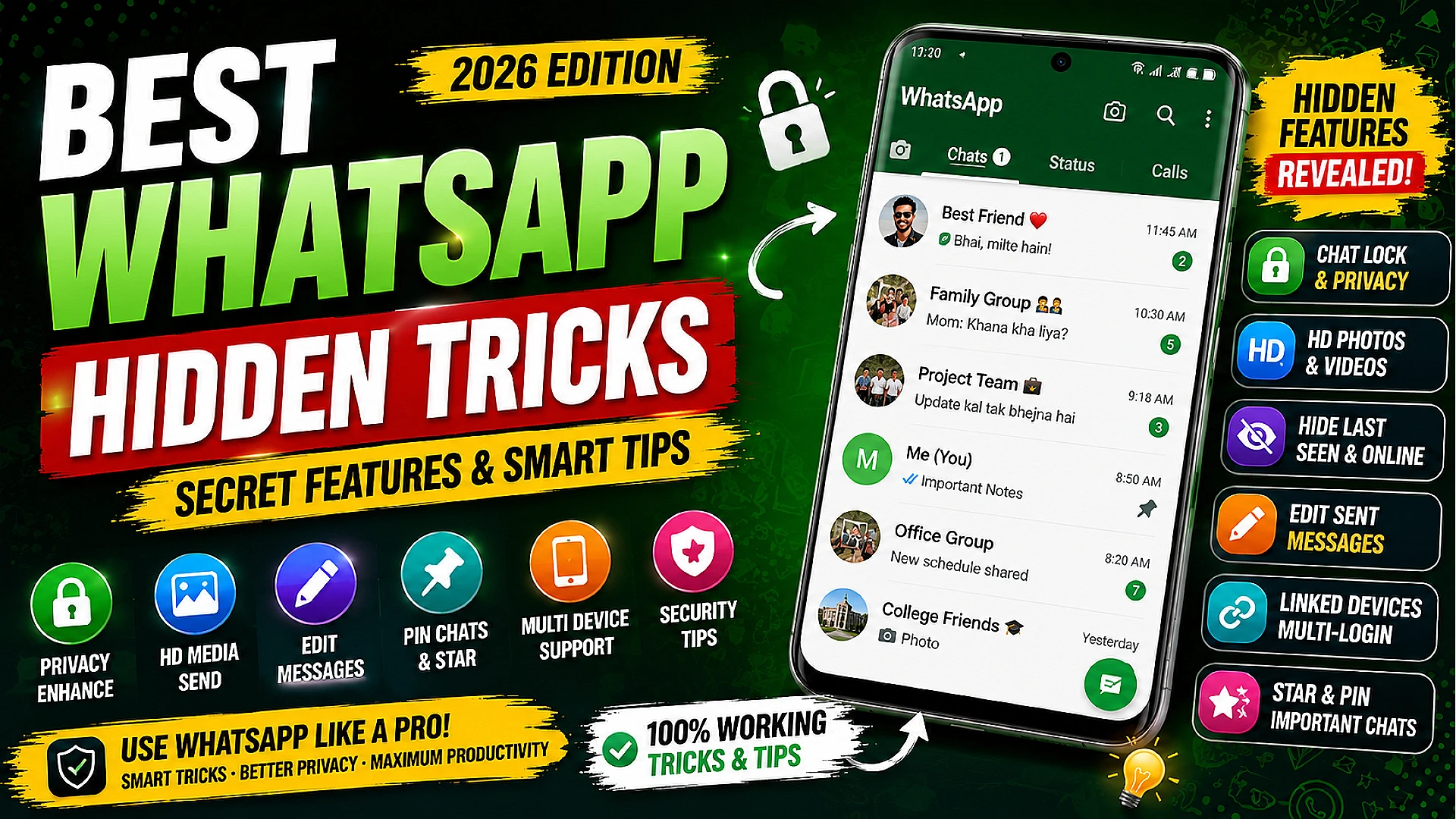
Best WhatsApp Hidden Tricks 2026 – Secret Features Aur Smart Tips
WhatsApp aaj ke time me duniya ka sabse popular messaging app ban chuka hai. Har din crores users WhatsApp ka use chatting, video calls, voice calls, file sharing aur business communication ke liye karte hain. Lekin jyadatar users WhatsApp ke sirf basic features hi use karte hain aur hidden WhatsApp tricks ke baare me nahi jaante.
Agar aap WhatsApp ka use daily karte hain to aapke liye ye guide bahut useful hone wali hai. Is post me hum WhatsApp ke hidden features, privacy tricks, security tips, shortcuts aur productivity hacks ke baare me detail me jaanenge. Ye guide beginners aur advanced users dono ke liye useful hai.
WhatsApp Hidden Tricks Kya Hote Hain?
WhatsApp hidden tricks ka matlab hai app ke aise secret features aur settings jo normal users ko easily dikhai nahi dete. In tricks ka use karke aap better privacy, faster communication aur improved productivity experience kar sakte hain.
1. Chat Lock Feature Ka Use Kare
WhatsApp ka Chat Lock feature private chats ko secure rakhne ke liye design kiya gaya hai. Agar aapke phone ko koi dusra person use karta hai to aapki important chats safe rahengi.
Chat Lock Enable Kaise Kare?
Step 1: WhatsApp open kare.
Step 2: Kisi bhi chat ko open kare.
Step 3: Contact name par click kare.
Step 4: Chat Lock option select kare.
Step 5: Fingerprint ya password enable kare.
Ye feature personal aur business users dono ke liye useful hai.
2. HD Photos Aur Videos Send Karne Ki Trick
Pehle WhatsApp photos aur videos ko compress kar deta tha jisse quality reduce ho jati thi. Lekin ab users HD media send kar sakte hain.
HD Media Send Kaise Kare?
Photo select kare → HD option par click kare → Send kare.
Ye feature photographers aur content creators ke liye useful hai.
3. Self Chat Feature Ka Smart Use
WhatsApp ka self-message feature notes save karne ke liye best hai.
Self Chat Me Kya Save Kar Sakte Hain?
- Important links
- Study notes
- Business ideas
- Passwords hints
- Shopping list
- Reminders
4. Sent Messages Edit Kare
Agar aapne galat message bhej diya hai to ab WhatsApp me edit option available hai.
Message par long press kare aur Edit option choose kare.
5. WhatsApp Privacy Settings Tricks
Last Seen Hide Kare
Settings → Privacy → Last Seen → Nobody ya My Contacts choose kare.
Online Status Hide Kare
Aap apna online status bhi hide kar sakte hain.
Profile Photo Privacy
Profile photo sirf selected contacts ko show kar sakte hain.
Status Privacy
Status ko specific users se hide kiya ja sakta hai.
6. WhatsApp Storage Management Tricks
WhatsApp media storage quickly bhar deta hai.
Storage Manage Karne Ke Steps
Settings → Storage and Data → Manage Storage
Yahan se large videos aur unnecessary files remove kar sakte hain.
7. Star Messages Feature
Important messages ko future reference ke liye star kar sakte hain.
Message long press kare → Star icon select kare.
8. Disappearing Messages Feature
Disappearing messages automatically selected time ke baad delete ho jate hain.
Benefits:
- Privacy improve hoti hai
- Storage save hoti hai
- Unwanted chats automatically remove hoti hain
9. Multiple Device Login Trick
Ek hi WhatsApp account ko multiple devices me use kar sakte hain.
Steps:
Settings → Linked Devices → Link Device
Ye business users ke liye useful feature hai.
10. WhatsApp Voice Notes Tricks
Hands-Free Voice Recording
Mic icon ko upar swipe karke lock kar sakte hain.
Voice Note Speed Control
Voice notes ko 1.5x aur 2x speed par play kar sakte hain.
11. WhatsApp Status Tricks
Status Privacy Control
Specific contacts se status hide kare.
Music Status Trick
Creative music aur photos ke sath engaging status bana sakte hain.
12. WhatsApp Security Tricks
Two-Step Verification Enable Kare
WhatsApp account security ke liye additional PIN enable kare.
Unknown Links Open Na Kare
Unknown giveaway aur suspicious links avoid kare.
Fake OTP Scams Se Bache
Kabhi bhi OTP kisi ke sath share na kare.
13. WhatsApp Productivity Tricks
Custom Notifications
Important contacts ke liye custom notifications set kare.
Chat Shortcuts
Android home screen par important chat shortcut add kare.
Pin Important Chats
Important chats ko top par pin kar sakte hain.
14. WhatsApp Business Tricks
Quick Replies
Business users quick replies setup kar sakte hain.
Catalog Feature
Products aur services ko showcase kar sakte hain.
Auto Messages
Automatic greeting messages aur away messages set kare.
15. Future WhatsApp Features 2026
Future updates me AI-powered replies, smart chat summaries aur advanced security options aur improve ho sakte hain.
SEO Tips
Keyword Placement
Main keyword ko title, introduction aur headings me naturally add kare.
Image Optimization
SEO-friendly image names aur alt text use kare.
Internal Linking
Related content ko link karna ranking improve karta hai.
Internal Links
- Mobile Se Paise Kaise Kamaye 2026
- Instagram Se Paise Kaise Kamaye 2026
- AI Tools Se Online Paise Kaise Kamaye
AdSense Approval Tips
Original Content Publish Kare
Copy-paste content avoid kare aur detailed information provide kare.
Mobile Friendly Website
Responsive design aur fast speed ranking improve karti hai.
Important Pages Add Kare
About Us, Contact Us, Privacy Policy aur Disclaimer pages zarur add kare.
Conclusion
WhatsApp ke hidden tricks aur secret features users ke chatting experience ko next level par le ja sakte hain. Agar aap privacy settings, chat lock, HD media sharing aur productivity hacks ko smartly use karte hain to WhatsApp experience aur better ho sakta hai.
2026 me WhatsApp aur AI integration ke sath aur smart features provide kar sakta hai. Isliye latest updates aur tricks ko regularly explore karte rahe.
FAQ
Q1. WhatsApp chat lock kaise enable kare?
Chat settings me jaakar Chat Lock option enable kare.
Q2. HD photos WhatsApp me kaise bheje?
Photo select karte waqt HD option par click kare.
Q3. WhatsApp me multiple devices login possible hai?
Haan, Linked Devices feature se multiple devices connect kar sakte hain.
Q4. WhatsApp secure kaise rakhe?
Two-step verification aur privacy settings enable kare.
Q5. Disappearing messages ka kya benefit hai?
Ye privacy improve karte hain aur chats automatically delete karte hain.
Daily earning, tech, finance aur blogging updates ke liye join karein.
🚀 Join Telegram






0Comments